
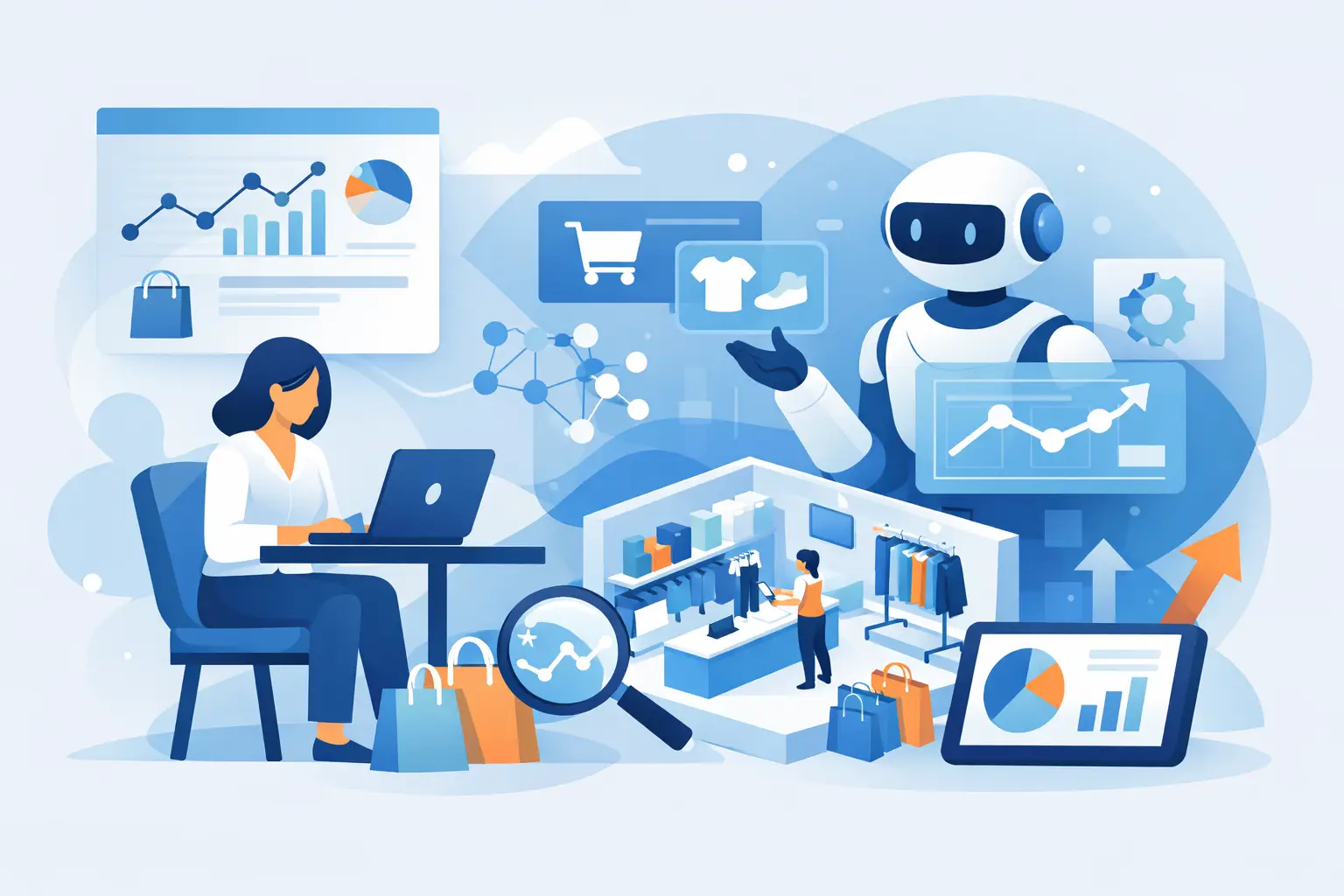
Most retail teams do not have an analytics problem. They have a speed problem.
Sales data exists. Inventory data exists. Promotion data exists. But when that information lives in separate exports, scattered spreadsheets, and manual reports, decisions slow down. That is where ai retail analytics software earns its place. It turns retail data into usable visibility fast enough to support day-to-day operations, not just month-end review.
For store operators, finance leads, and multi-branch managers, that difference matters. If a branch is underperforming, if a product category is losing margin, or if a promotion lifted traffic but hurt basket value, waiting a week for answers is too late.
What ai retail analytics software should actually do
A lot of software gets labeled AI, but retail teams do not need vague promises. They need a system that takes structured POS and operational data and makes it readable, comparable, and actionable.
At a practical level, good ai retail analytics software should accept the files retailers already export, usually CSV or XLSX, and turn them into dashboards that show what is happening across stores, products, customers, and time periods. It should also reduce the amount of report building required from internal teams.
That means the software is not just generating charts. It is helping managers answer operational questions quickly. Which branch is trending below target this week? Which departments are carrying volume but losing profitability? Which products are moving slowly despite healthy stock levels? Which payment methods are growing, and what does that mean for fees or customer behavior?
If the tool cannot answer those kinds of questions without heavy setup, it may be analytics software, but it is not solving the retail reporting bottleneck.
Why retail operators are moving away from manual reporting
Manual reporting works for a while, especially in smaller businesses. One or two stores can often survive with spreadsheets, exported sales files, and a manager who knows where to look.
That breaks down as the business grows. More branches mean more files, more inconsistencies, and more time spent checking whether everyone is using the same definitions. Suddenly a simple weekly review turns into hours of data cleanup before anyone can talk about performance.
The issue is not only labor. Manual reporting also creates delay and blind spots. A branch can drift for weeks before the pattern becomes obvious. A pricing issue may show up in one category but get buried in aggregate totals. A promotion might look successful on sales volume while quietly reducing margin or shifting demand away from better products.
AI helps when it is applied to that exact problem. Not as a replacement for judgment, but as a faster way to organize data, surface patterns, and answer routine questions without requiring a BI analyst every time.
The strongest use case for AI retail analytics software
The best fit is usually a retailer that already has data but cannot use it efficiently.
That includes grocery groups, convenience stores, pharmacies, mini marts, and general retail chains running POS systems that can export structured files. These businesses are not starting from zero. They already collect sales, product, inventory, and customer information. What they lack is a simple way to turn that information into a consistent operating view.
In that environment, ai retail analytics software creates value in three ways.
First, it shortens the gap between data export and decision. Teams can upload files and get dashboards without building complex models from scratch.
Second, it makes analysis more accessible. A commercial manager or store owner can ask a plain-language question instead of waiting for someone to create a custom report.
Third, it creates a common version of performance across branches. That matters when leadership wants to compare locations fairly, identify repeat issues, and scale what is working.
What to look for in the workflow
Retail leaders should pay close attention to workflow, not just feature lists.
A strong platform starts with file validation. If uploaded data contains missing fields, broken formats, or inconsistent structures, the system should catch that early. Otherwise, bad inputs lead to misleading dashboards, and teams end up doubting the numbers.
Next comes prebuilt retail reporting. Generic BI tools can be powerful, but they often assume someone inside the business will model the data, define the metrics, and maintain the logic. Many growing retailers do not have the time or specialist resources for that. Prebuilt dashboards for sales, product performance, inventory, departments, customers, hourly trends, and promotions remove a lot of friction.
Then comes AI querying. This is where the software becomes more useful to non-technical teams. Instead of filtering across multiple reports, a user can ask which branches need attention, which categories are slowing down, or which products are overstocked relative to sales. The system should return direct answers grounded in the uploaded data.
That combination matters. Validation keeps the data trustworthy. Prebuilt dashboards provide structure. Conversational querying speeds up investigation.
Where AI helps most at the store and branch level
Head office reporting is only part of the story. Retail performance improves when branch-level issues become visible early.
A branch manager might need to know whether traffic is stable but basket size is falling. A finance lead may want to compare payment mix shifts across locations. A commercial manager may need to identify which promotions are driving revenue versus which ones are only discounting existing demand.
This is where retail-specific analytics software has an edge over broad reporting tools. It reflects the actual questions retail teams ask every week.
For example, inventory analysis is not just about stock on hand. It is about whether stock is aligned with demand, whether dead stock is building in certain stores, and whether stockouts are hurting sales in others. Customer analysis is not just about counts. It is about repeat value, spend patterns, and which segments are responding to campaigns.
When the software is built for retail operations, those answers come faster and make sense in context.
Trade-offs retailers should think through
Not every business needs the same level of analytics depth.
If a retailer has a mature internal data team and wants highly customized modeling across many systems, a general enterprise BI stack may still be the right choice. It offers flexibility, but usually with more setup, maintenance, and dependence on technical users.
If the goal is faster reporting from exported retail data, a self-service retail analytics platform is often the better fit. It gives up some customization in exchange for speed, usability, and a workflow built around common retail needs.
There is also the question of data readiness. AI retail analytics software works best when source data is structured and consistently exported. If store data is incomplete, unstandardized, or spread across systems with no reliable process, cleanup still matters. AI can reduce analysis effort, but it cannot fully compensate for weak source discipline.
That is why practical retailers evaluate the full operating fit. How quickly can teams onboard? How much manual work remains after upload? Can branch and head office users both get value from it? Will the software scale as more stores come online?
A better way to judge ROI
Retail teams should be careful not to measure analytics ROI too narrowly.
The value is not only in labor saved from replacing spreadsheet work, although that matters. It also comes from faster detection of underperforming branches, earlier response to stock issues, tighter promotion review, and better visibility into product and customer trends.
Even small improvements can compound. Catching a weak category trend one month earlier, identifying a margin leak in a pricing decision, or correcting branch-level stock imbalance before it grows can easily justify the system.
That is why the strongest platforms focus on operational clarity rather than AI theater. They help users get to an answer quickly, trust what they are seeing, and act on it.
BusinessMetrics AI is a good example of that direction. It is designed for retailers who already export POS and operational data and want that data turned into dashboards and practical AI answers without a heavy analytics buildout.
Choosing software your team will actually use
Adoption matters more than feature volume.
If the system looks impressive in a demo but still requires technical report writing for everyday questions, many store and commercial users will fall back to spreadsheets. The best ai retail analytics software lowers that barrier. It gives users a clear starting point through ready-made dashboards and lets them ask follow-up questions in plain language.
That changes how decisions get made. Instead of waiting for a monthly pack, teams can monitor branch health continuously. Instead of reacting to broad totals, they can pinpoint which products, hours, departments, or promotions are causing the shift.
For growing retailers, that is the real advantage. Better reporting is useful. Faster operational control is better.
The right software should make your existing data easier to trust, easier to question, and easier to act on. When it does that, analytics stops being a separate project and becomes part of how the business runs every day.