
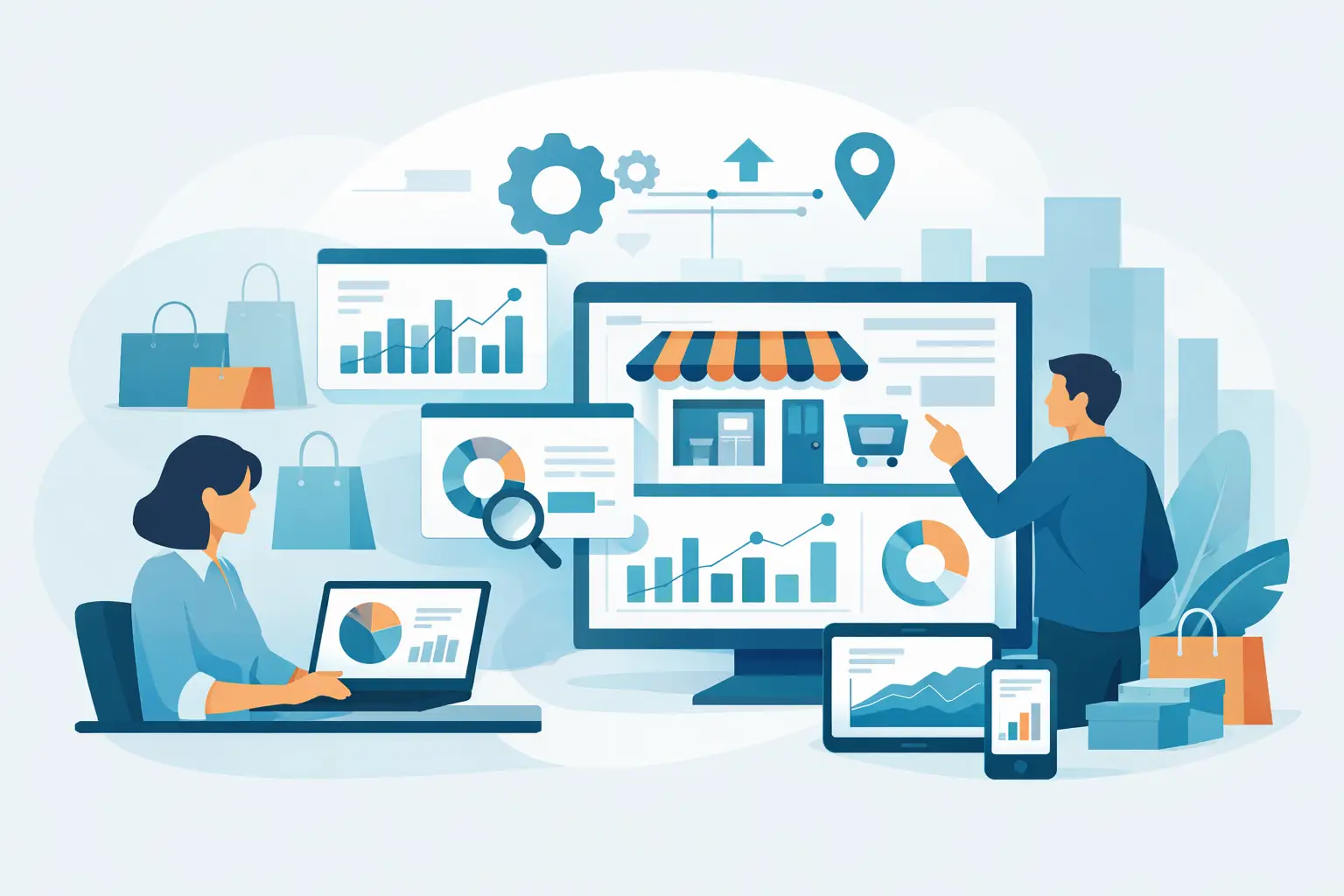
Monday morning should not start with five spreadsheets, three store manager calls, and a guess about which location had the real problem over the weekend. Retail business intelligence software exists to fix that. The right system turns exported POS and operations data into dashboards and plain-English answers that show what changed, where it happened, and what needs attention now.
For many retailers, the issue is not a lack of data. It is too much data in the wrong format, spread across stores, systems, and reporting habits. Sales reports live in one file, inventory snapshots in another, and promotion results are usually pieced together after the fact. By the time someone assembles a usable report, the opportunity to react has already passed.
That is why retail requires a different approach than generic BI. Store operators do not need a blank canvas and a six-month analytics project. They need fast visibility into branch performance, product movement, payment mix, customer value, stock gaps, and campaign results. They need software built around the questions retail teams already ask every week.
What retail business intelligence software should actually do
At a practical level, retail business intelligence software should reduce the time between exporting data and acting on it. That means it should accept the files retailers already have, validate them, and turn them into dashboards without forcing a team to design everything from scratch.
The baseline is clear reporting on sales, products, categories, departments, customers, and stores. But useful software goes further. It should show trends over time, flag underperformance, and let managers compare locations without manually restructuring data. A district manager should be able to see which branch is missing target, whether the issue is traffic, basket size, margin, or stock availability, and whether the same pattern appears elsewhere.
This matters because retail problems are rarely isolated. A drop in sales may be a pricing issue, but it may also be a stock issue, a product mix issue, a failed promotion, or a store execution issue. Good BI software helps teams move from surface symptoms to likely causes faster.
Why generic BI tools often slow retailers down
Generic business intelligence platforms are powerful, but power is not the same as fit. Many require internal analysts, data modeling work, dashboard design, and ongoing maintenance before managers can get anything useful from them. That may make sense in a large enterprise with a mature data team. It is less appealing for a growing chain that simply wants timely reporting across ten, twenty, or fifty stores.
Retailers usually operate on tight cycles. Weekly trade reviews, supplier discussions, payroll planning, margin control, and promotional decisions all depend on current data. If the reporting setup is too technical, the burden falls back onto finance, operations, or one spreadsheet-heavy employee who becomes the unofficial reporting department.
There is also a usability problem. Generic tools often expect users to know how to build filters, define metrics, and interpret data models. Store and commercial teams usually want a more direct route. They want to ask why a category is down, which products are dragging margin, or which branches saw the biggest lift from a promotion.
That is the gap retail-specific platforms are designed to close.
The operational questions that matter most
The best retail reporting does not start with charts. It starts with decisions. A useful platform should help teams answer questions such as which branches are underperforming against last week or last year, which products are selling but yielding weak margin, and which categories are growing because of real demand versus discount activity.
It should also support routine operational reviews. Finance teams need a reliable view of revenue, gross margin, payment methods, and store-level contribution. Commercial teams want to understand product performance, category movement, and promotion impact. Operations teams need to spot unusual sales patterns, inventory risks, and store execution issues before they become larger problems.
When those answers are delayed, retailers tend to manage by instinct. Instinct has value, but it should not be the only system in the room.
What to look for in retail business intelligence software
Speed is the first filter. If setup takes too long or depends on a specialist, adoption usually suffers. For many retailers, the most useful model is simple: export structured POS and operational files in CSV or XLSX format, upload them, validate them, and start reviewing dashboards immediately.
Retail-ready dashboards are the second filter. Prebuilt views for sales, hourly trends, departments, products, customers, promotions, and branches save time and create consistency. They also reduce the risk of every manager building a different version of the truth.
The third filter is accessibility. Not every decision-maker is technical, and they should not need to be. Natural-language querying is increasingly valuable here. Instead of building a report, a manager can ask which stores had the sharpest week-over-week decline, which categories gained sales but lost margin, or which customer groups drove promotional uplift.
That kind of interaction is not about novelty. It shortens the path from question to action.
The role of AI in retail BI
AI in retail analytics is useful when it removes work, not when it adds another layer of complexity. Retail teams do not need vague predictions with no operational context. They need help interpreting existing data faster.
In a practical setting, AI can summarize trends, highlight anomalies, and answer natural-language questions based on uploaded retail data. That means a manager can move from reviewing dashboards to asking follow-up questions without exporting another file or waiting for an analyst.
There are trade-offs, though. AI is only as good as the structure and quality of the underlying data. If source files are inconsistent, incomplete, or poorly mapped, results will be less reliable. That is why file validation and retail-specific data handling matter so much. AI should sit on top of a clean reporting workflow, not replace it.
Where retailers usually see the fastest value
The quickest gains typically come from visibility. Multi-branch retailers often struggle to compare stores consistently because each location reports slightly differently or because reporting is assembled manually. Once branch-level dashboards are standardized, weak spots become easier to identify. A store with declining average basket value, unusual payment mix changes, or soft performance in a key department is easier to investigate early.
Product and promotion analysis is another high-value area. Retailers routinely invest in pricing and campaigns without a clear view of what actually improved. BI software can show whether a promotion drove incremental sales, shifted mix from full-price items, or simply moved demand forward at the expense of margin.
Inventory-related decisions also improve when reporting is timely. If a strong product is repeatedly out of stock in one branch but not others, that is not just an inventory problem. It is a lost sales problem. Better visibility helps teams connect stock issues with sales outcomes instead of treating them as separate reports.
Choosing software that matches your operating model
Not every retailer needs an enterprise data stack. For many operators, especially growing chains, the better choice is software that works with existing exports and gives immediate retail-specific reporting. The goal is not to build a large analytics function. The goal is to give decision-makers clarity without adding reporting overhead.
That is why fit matters more than feature volume. A platform may offer extensive customization, but if your team mainly needs fast branch comparisons, product performance tracking, and simple AI-assisted answers, complexity can become a cost rather than a benefit.
A good evaluation starts with your current reporting bottlenecks. If your team already exports sales, product, customer, inventory, and promotion data, the next question is straightforward: how quickly can a platform turn those files into answers your managers will actually use?
Platforms such as BusinessMetrics AI are built around that model. They focus on validating uploaded retail files, generating dashboards quickly, and letting teams ask practical questions in plain language instead of building reports manually.
Retail moves too quickly for delayed insight to count as insight. The best software is the one your team can use this week, not the one that looks impressive in a long procurement process. If it helps you spot branch issues earlier, protect margin more consistently, and spend less time wrestling with spreadsheets, it is already doing the job that matters.