
A store manager exports sales data on Monday morning, sends it to finance, waits for a spreadsheet update, and only then sees that one branch lost margin all weekend on a promotion that looked profitable on paper. That delay is exactly why the question what is retail analytics software matters. For growing retailers, it is not just another dashboard tool. It is the system that turns raw POS and operational data into usable answers before small issues become expensive ones.
What is retail analytics software?
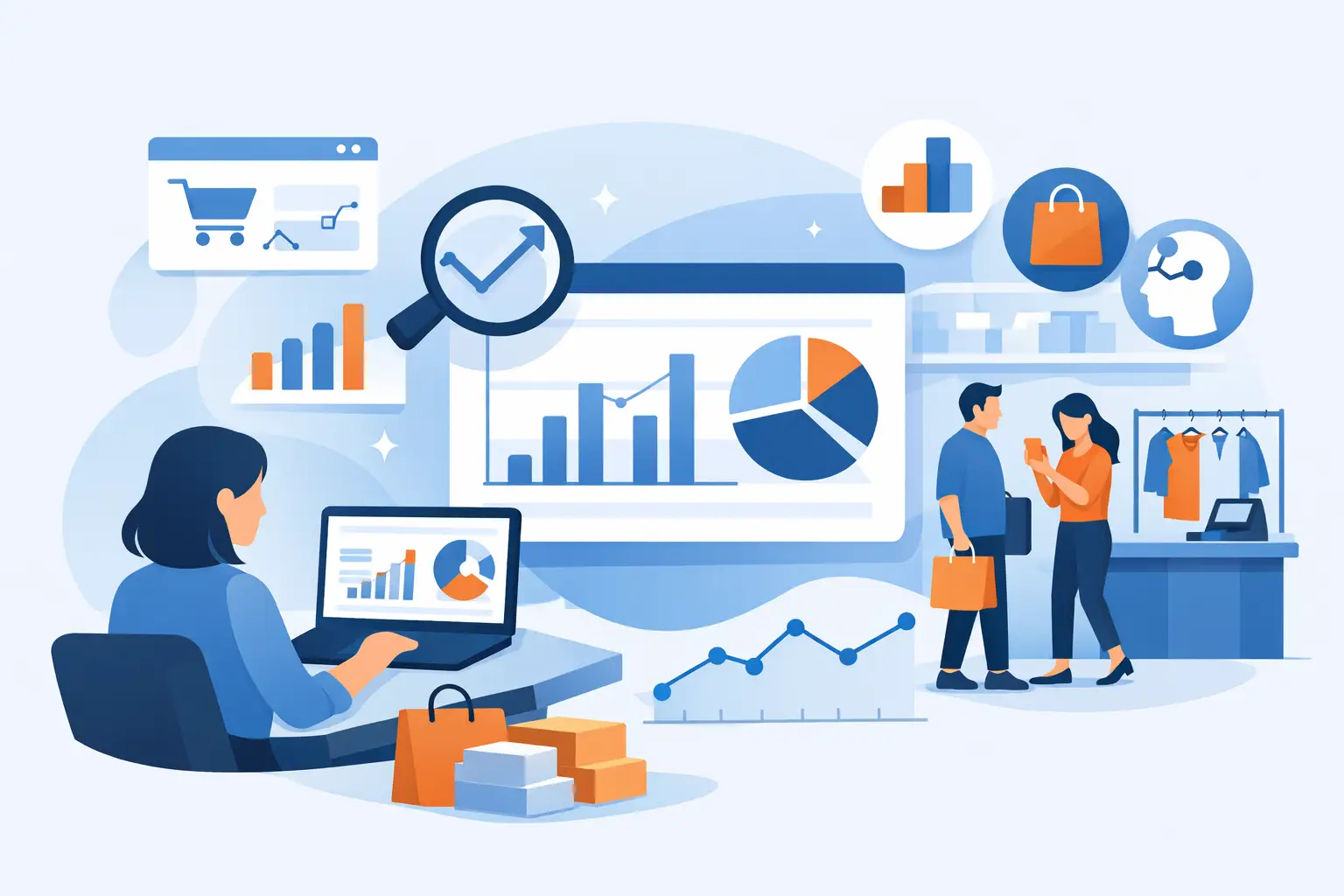
Retail analytics software is a platform that collects retail data, organizes it, and presents it in a way that helps operators make better decisions. In most cases, that data comes from point-of-sale systems, inventory records, customer summaries, product files, department sales, hourly sales, and promotion reports. The software processes those inputs and translates them into dashboards, trends, exceptions, and answers that managers can act on.
The practical purpose is simple. Instead of spending hours building reports manually, retail teams can see which stores are underperforming, which products are losing momentum, which payment methods are growing, and where stock or pricing issues need attention. Good retail analytics software reduces reporting lag and gives decision-makers a clearer view of what is happening across stores, categories, and time periods.
That sounds broad because the category is broad. Some tools are built for enterprise data teams and require heavy setup. Others are designed for store operators and finance teams that already export structured files and need immediate visibility without hiring analysts or building custom BI projects.
What retail analytics software actually does
At its core, retail analytics software connects business questions to retail data. A retailer may ask why a branch missed target, why a category slowed down, or whether a promotion increased unit sales without damaging gross profit. The software brings the relevant data together and makes the answer easier to see.
That usually starts with data ingestion. In many retail environments, the most realistic input is not a live system integration on day one. It is a clean export from the POS or back-office system in CSV or XLSX format. The software validates the files, maps the fields, and structures the data for analysis.
From there, it produces dashboards and reports. These often include store performance, product performance, category trends, hourly sales patterns, customer value, inventory exceptions, and promotion results. More advanced platforms also let users ask questions in plain language, which helps non-technical teams get answers without creating custom reports.
The difference between raw data and actual analytics is context. A spreadsheet may tell you total sales are up 6 percent. Retail analytics software should tell you whether that gain came from traffic, basket size, price changes, one branch, one category, or one short-term campaign.
Why retailers use it
Retail leaders rarely have a data problem. They have a visibility problem.
Most multi-store businesses already have plenty of information sitting in POS exports, inventory files, and finance reports. The issue is that the data lives in different places, arrives late, and requires manual work before anyone can trust it. By the time a report is ready, the trading week has moved on.
Retail analytics software shortens that cycle. It helps owners, operators, and finance managers monitor the business without waiting on spreadsheet consolidation. That is especially useful when store count is growing. A process that works for two locations usually breaks at ten.
It also improves consistency. When every branch manager calculates performance differently, comparisons become unreliable. A centralized analytics layer creates one version of the numbers across sales, margin, products, promotions, and customer performance.
For many retailers, speed is the biggest gain. If you can upload structured data and get immediate dashboards, you can move from reporting to action much faster.
The main data sources behind retail analytics software
The best answers depend on the quality and range of data available. Most retail analytics software works with a mix of commercial and operational inputs.
POS sales data is usually the foundation because it shows what sold, where, when, and at what value. Product and category files add structure so teams can compare performance across departments, brands, and SKUs. Inventory data helps identify stockouts, overstocks, and items that tie up cash without moving. Customer summaries can show repeat behavior, average spend, and value by segment when that data is available. Promotion files add another layer by showing whether campaigns lifted revenue, units, or traffic enough to justify the discount.
Hourly sales data is especially valuable for store operators. It can reveal whether peak periods are changing, whether labor deployment matches sales patterns, and whether a branch is losing transactions at key times of day.
The more complete the data set, the better the analysis. Still, more data is not always better if the files are inconsistent or poorly structured. Clean inputs matter more than volume.
What to look for in retail analytics software
If you are evaluating platforms, the most useful question is not whether a tool has impressive charts. It is whether it helps your team answer operational questions quickly.
Start with retail fit. Generic BI software can be powerful, but it often expects internal analysts to model the data, define KPIs, and build dashboards from scratch. That may suit large enterprises. It is less practical for a retailer that needs branch, category, product, and promotion reporting ready to use.
Ease of onboarding matters too. Many retail businesses already export the data they need. A platform that accepts CSV or XLSX files, validates them, and turns them into dashboards quickly is often more useful than a complex implementation that promises more than it delivers in the first 90 days.
You should also look at query flexibility. Dashboards are valuable for monitoring, but users often need to ask follow-up questions. Which branch had the sharpest margin decline last week? Which products gained units but lost profit? Which promotion lifted sales in one store and failed in another? Natural-language querying can make a real difference here, especially for non-technical teams.
Finally, look for clarity at the store level. Head-office summaries are useful, but retail performance is won or lost in branches, categories, and individual products.
What retail analytics software is not
It is not a replacement for retail judgment. Software can highlight unusual trends, weak stores, declining categories, or stock issues, but managers still need to interpret local conditions. A sales drop may point to pricing pressure, construction near a branch, reduced availability, or a competitor's promotion. The tool shows the signal. The team decides the response.
It is also not automatically predictive. Some platforms include forecasting or AI-generated insights, but not every system can reliably predict future demand or customer behavior. In many cases, the immediate value comes from descriptive and diagnostic analytics - seeing what happened, where it happened, and what likely drove it.
And it is not useful if adoption is low. A feature-rich platform that only analysts can use may still leave store and commercial teams waiting for answers. In retail, usability is part of the ROI.
What is retail analytics software for a growing chain?
For a single-store operator, analytics can still help, but the need becomes sharper as the business expands. Once there are multiple branches, separate managers, different local sales patterns, and a larger product mix, blind spots grow quickly.
For a growing chain, retail analytics software becomes a control layer. It helps leaders compare stores fairly, spot underperformance early, and understand whether growth is healthy or masking deeper issues. Sales may be rising while margins are thinning. Traffic may be stable while basket size drops. Promotions may drive revenue but hurt category profitability.
This is where a retail-specific platform stands out. A system built around structured data uploads, prebuilt dashboards, and plain-language analysis is often a better fit than a generic reporting stack. BusinessMetrics AI is one example of this approach, turning exported retail data into dashboards and practical AI answers without forcing teams into a long BI project.
The real business value
The best retail analytics software does not just produce prettier reports. It reduces the time between data capture and action.
That can mean catching stock issues before they spread across branches, identifying weak promotions before another cycle is approved, or seeing which stores need attention before month-end results force a reaction. It can help finance teams protect margin, commercial teams assess category performance, and operators understand branch execution with less manual work.
The return is usually a mix of speed, consistency, and better decisions. Not every retailer needs advanced data science. Most need a faster, clearer way to understand performance using the data they already have.
If you are asking what is retail analytics software, the simplest answer is this: it is the layer between exported retail data and practical action. When it is built well, your team spends less time assembling reports and more time fixing the branches, products, and promotions that actually need attention.